Case study — Delmain
70+ production WordPress sites, kept correct and stable
Visit the live site ↗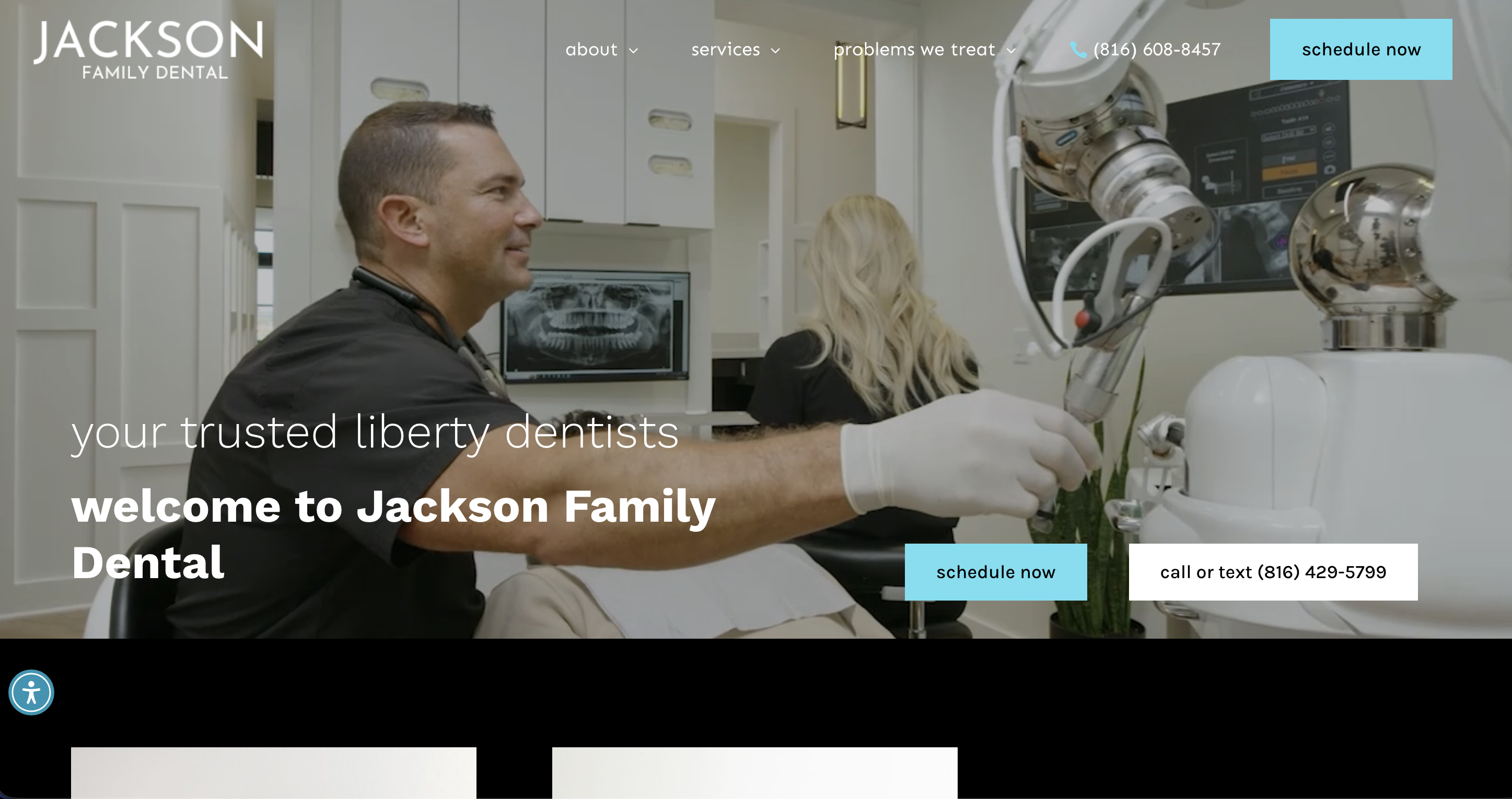
Context
Delmain is a digital marketing agency in Portland, Oregon, supporting more than 200 dental practices across the US. Every client website is a production business, where broken forms or rendering issues can directly impact patient inquiries. I joined as a Web Developer in November 2024.
My role
I maintained and extended more than 70 production WordPress websites built with Divi, Elementor, WPBakery, Avada, Gutenberg, and custom HTML, CSS, and JavaScript. My work included responsive fixes, UI improvements, landing pages in Unbounce, plugin updates, form integrations, and ongoing maintenance across multiple client websites.
Forms that stopped sending
Sometimes a contact form on a client site stopped delivering emails, with no visible error. When the team or the client noticed, I found the cause and set up SMTP on that site, so patient inquiries reached the practice again.
Automating insurance updates
One client, a dental group with more than 15 offices, showed which insurance plans each office accepts. That data lived in a custom WordPress plugin: about 200 plans across 15+ offices, thousands of combinations. Every time something changed, the plugin made us enter everything again from zero, by hand.
The data was already in a Google Sheet, so I wrote a Python script with Selenium that read the sheet and filled the plugin's forms, office by office. Doing it by hand took more than two hours of someone's full attention, with a high risk of mistakes. The script ran on its own in about an hour and a half, in the background, so the team could work on other things.
A PTO tool for HR
HR tracked paid time off for around 40 employees by going through each person's calendar and counting the days in Excel. I built a Google Apps Script tool in about three days, with feedback from my manager. When HR ran it, it read the PTO events from each Google Calendar, added them to a Google Sheet, and calculated the days used and left for each person.